
Wired access points
Access points are wired back to the rack and placed on the plans, so coverage reaches every room, the terrace and the pool.
Home / Solutions / Networking and Wi-Fi
Networking and Wi-FiEvery smart home system runs on the network, so the network comes first. ITS designs Wi-Fi with wired access points placed on the drawings, builds the rack, and adds battery backup so Wi-Fi, cameras and controls keep running when the power drops. ITS is an authorized RUCKUS Networks dealer and builds networks for homes and businesses.
Every system is planned on your drawings, priced room by room, and supported by the same ITS team after you move in.
Access points are wired back to the rack and placed on the plans, so coverage reaches every room, the terrace and the pool.
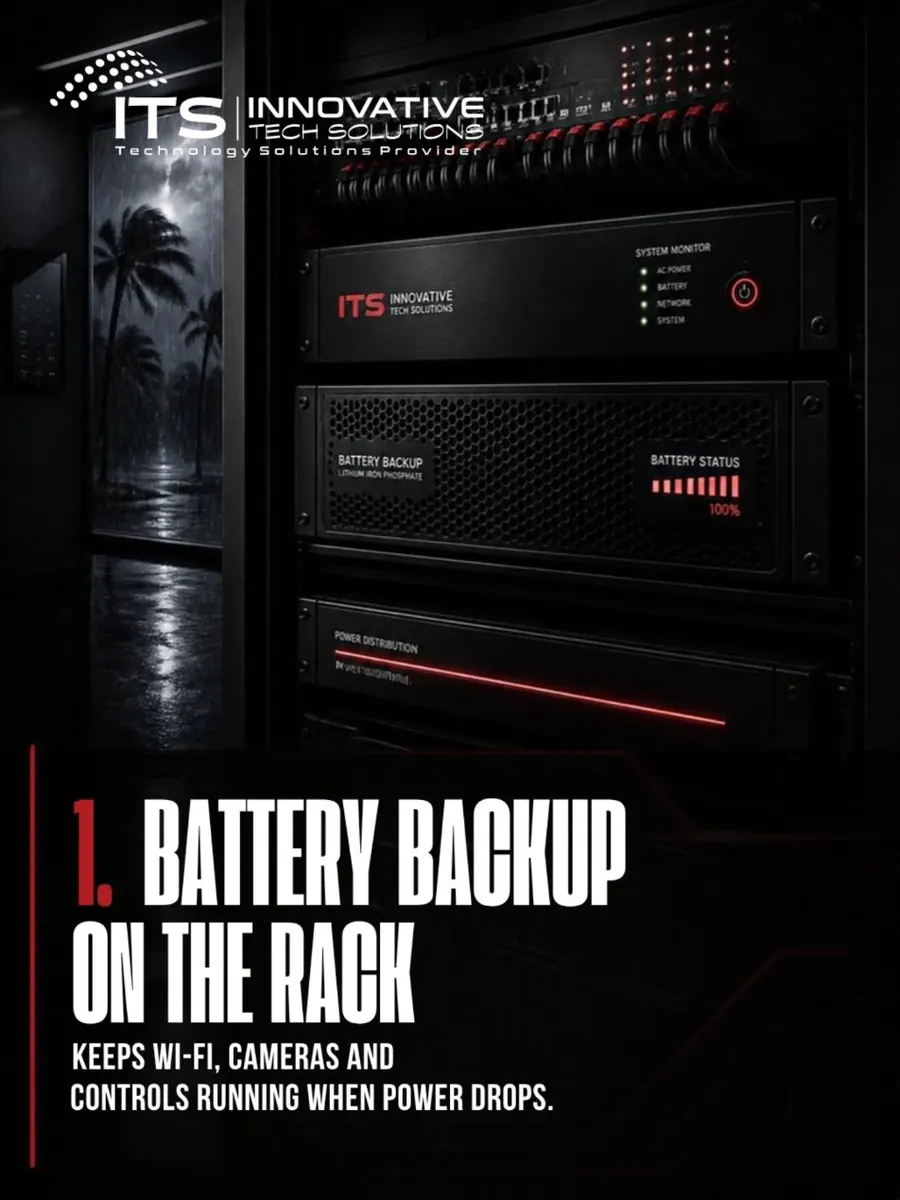
Battery backup keeps the network, cameras and controls running through a power drop, for as long as the battery is sized to last.
Guests get their own Wi-Fi that is kept separate from your home network and devices.
The same ITS team that supports business networks designs and supports your home network.
Posts from the ITS Instagram on this topic. Follow along for new projects and tips.

The same process on every project, from the first plan review to the last service call.
We review the drawings and place every keypad, speaker, TV and device on the plans.
You receive an itemized proposal by system and by room.
Every cable is run and labeled before insulation and drywall.
Devices go in after paint, then scenes, keypads and voice control are set up.
Training, documentation and warranty records, and one number to call for service.
If your question is not here, call 786.266.7676 and we will answer it directly.
Wired access points get their data and power over one cable, so the Wi-Fi does not depend on wireless links between devices. They are planned on the drawings before drywall.
ITS is an authorized RUCKUS Networks dealer. We also install Araknis routers and Ubiquiti UniFi, and recommend what fits the property.
A battery backup on the rack keeps the network, cameras and controls running for a period of time that depends on the size of the battery.
Yes. ITS designs, installs and supports networks and Wi-Fi for offices and commercial buildings, along with IT services.
Tell us about your home or send your plans. We work with you, your builder and your designer from the Palm Beaches to Key West.
More solutions
Areas we serve