
AI detection
Cameras that tell people and vehicles apart from moving trees and shadows, so you get fewer alerts from things that do not matter.
Home / Solutions / Security cameras
Security cameras and access controlBasic motion-detection cameras can send an alert every time a palm frond moves. AI cameras look at what is moving, so you get alerts for people and vehicles instead of every gust of wind. ITS is an authorized Axis Communications dealer and also installs Turing and Ubiquiti UniFi Protect, with cameras, door locks and gates tied into Control4.

Each system is priced from your plans or a walk-through of the home, with an itemized proposal by system and by room, and supported by ITS after you move in.
Cameras that tell people and vehicles apart from moving trees and shadows, so you get fewer alerts from things that do not matter.
UniFi Protect records to a recorder inside your home or office, so recordings are stored on your property. Some systems, such as Turing, can also store video in the maker's cloud. We tell you where your video will be stored before we install.
PoE cameras get power and data over a single Cat6 cable, so there are no batteries to charge.
Door locks, gates and access control join the same system, with video and alerts in the Control4 app.
Posts from the ITS Instagram on this topic. Follow along for new projects and tips.


How we work, from the first walk-through to the last service call.
We confirm every keypad, speaker, TV and device location with you before rough-in.
You receive an itemized proposal by system and by room.
On new construction, every cable is run and labeled before insulation and drywall.
Devices go in after paint, then scenes, keypads and voice control are set up.
Training, documentation and warranty records, and one number to call for service.
If your question is not here, call 305.853.9119 and we will answer it directly.
ITS is an authorized Axis Communications dealer, and we also install Turing and Ubiquiti UniFi Protect. We go over the options with you for the property and the budget.
With UniFi Protect, video records to a recorder on site. Axis cameras can also record to an on-site recorder. We set up the recording before the cameras go live.
Yes. You can view live and recorded video from your phone as long as the internet service at the home is up, and cameras can also be added to the Control4 app.
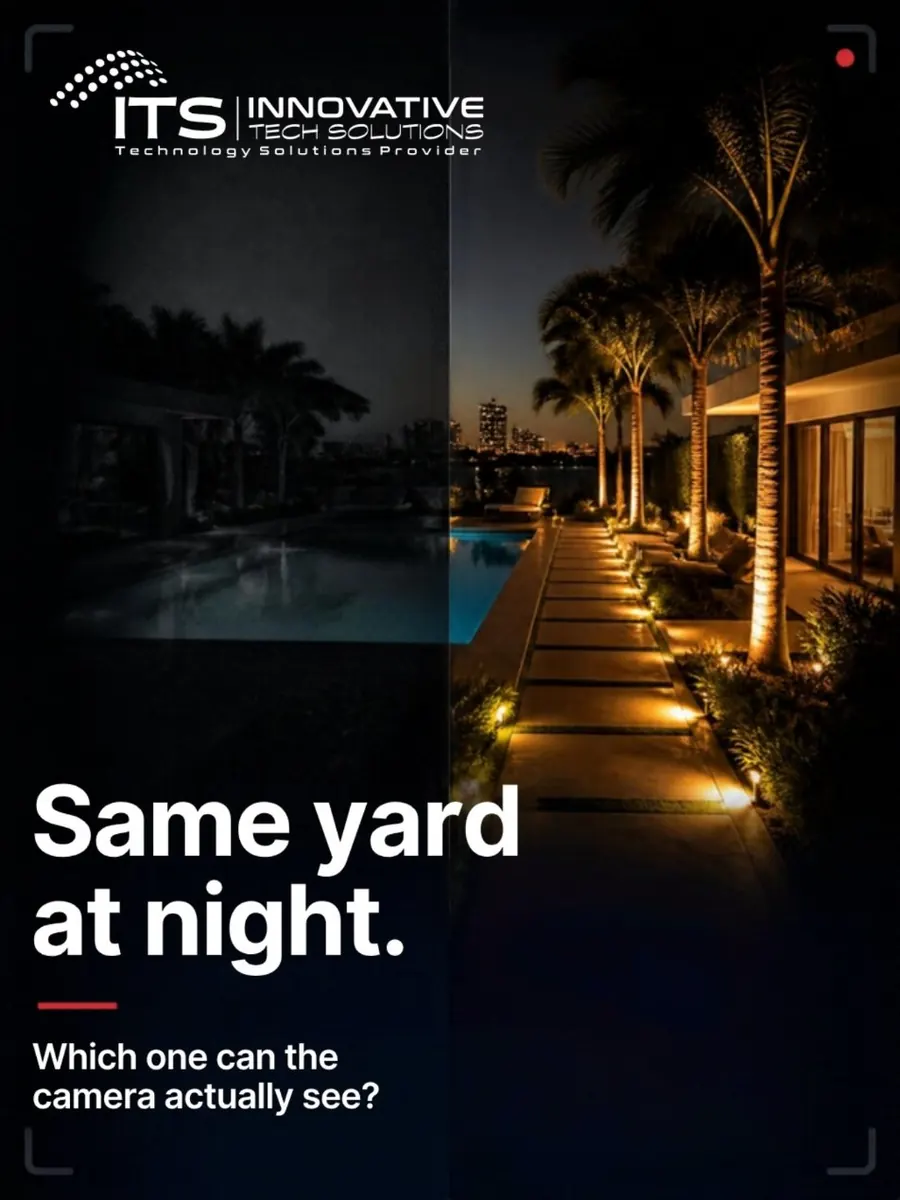
Landscape lighting affects what the cameras record at night. We coordinate camera locations with your landscape lighting.
Yes. ITS installs access control, cameras and structured cabling for commercial buildings, offices and showrooms.
Tell us about your home or send your plans. We work with you, your builder and your designer from the Palm Beaches to Key West.
More solutions
Areas we serve